A simple & helpful step by step guide on how to make payment via Paypal.
Step 1 - Search Your Trips & Choose Seat(s)
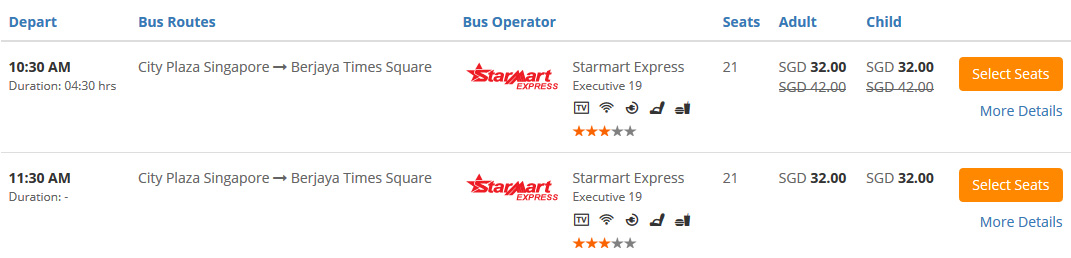
Select your Origin, Destination, Departure Date, Departure Time and etc. Click "Search for Buses".
Select your desired trip. Click "Select Seats"
Choose your desired seat(s).
Click "Continue" (If you book 1 way trip). Click "Go to Returning Trips" (If you book round trip).
Step 2 - Fill In Details & Pay
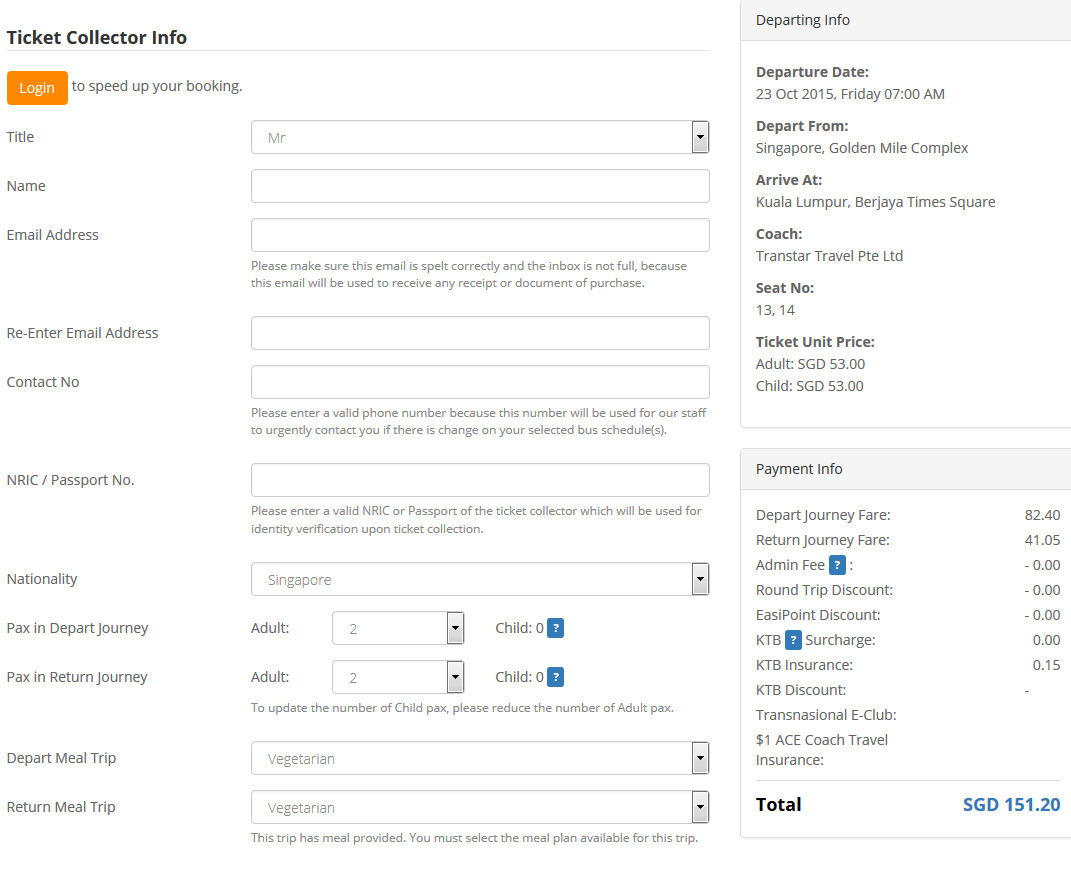
Fill in the Ticket Collector Info
Double check the Journey & Payment Details.
Key in the Discount Code if you have one, click "Apply Code".
Select Paypal payment option.
Remember to tick to agree to Easybook's Ticketing Policy.
Click "Pay Now".
You will be prompted to confirm your total number of tickets and total amount that you are going to pay are correct. Click "OK" and proceed.
You will come to Paypal payment page.
Double check your booking summary. (You will be charged 1.5% + SGD 0.50 as a processing fee).
Fill in all the details.
Click "Pay"
Upon payment sucessful, an Order Summary will be sent to your email automatically.
You are required to show the Order Summary when boarding. (You may print it out or show through mobile phone)
Global Site:
We Accept:
SGD
RM
IDR
THB
VND
USD
RMB
MMK
BND
CNY
LAK
Member of:
* Only 0.01% trips slightly higher than counter price.** Only applicable for transactions without the use of discount code and trips offered by certain companies.*** For certain trips only, discount already reflected in the ticket price itself (i.e. lower price than bus counters).* Bus pictures are for reference only.* Trip durations are estimated time only.